
Tips for Creating a Cozy and Productive Home Office Space
Creating a home office that is both cozy and productive can significantly improve your work-from-home experience. Whether you spend a few hours a day or your full workweek at home, having a dedicated space that helps you focus while feeling comfortable is key. Here are some practical tips to help you design an inviting and efficient home office.
Choose the Right Location
Picking the best spot for your home office is the foundation of creating an enjoyable workspace.
– Quiet and Private: Find a room or corner away from high-traffic areas to minimize distractions.
– Natural Light: Position your desk near a window if possible. Natural light boosts mood and energy.
– Ventilation: Ensure good airflow; fresh air helps maintain alertness.
Prioritize Ergonomics for Comfort and Health
Comfort plays a crucial role in productivity. Setting up an ergonomic workspace prevents discomfort and fatigue.
– Desk and Chair Height: Your desk should allow your forearms to rest parallel to the floor, and your chair should support good posture.
– Supportive Chair: Invest in a chair with lumbar support to reduce back strain.
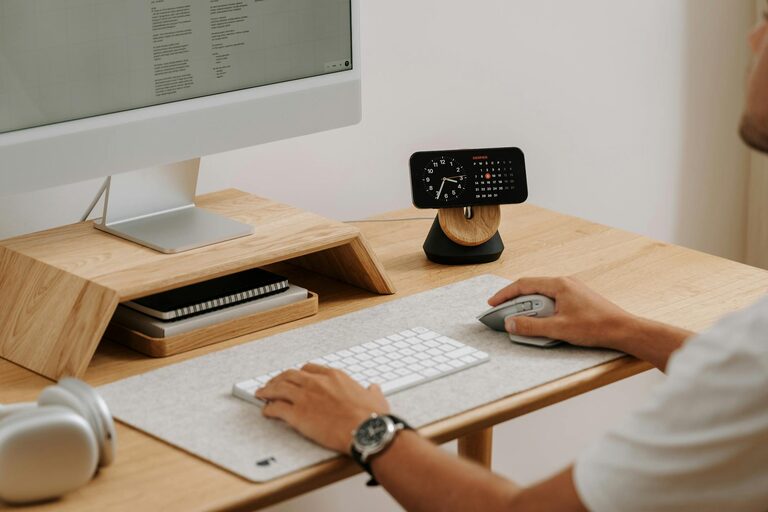
– Screen Position: Place your computer monitor at eye level to avoid neck pain.
Organize Efficiently for Focus and Ease
A clutter-free space helps clear your mind and improves focus.
– Use Storage Solutions: Shelves, drawers, and organizers keep supplies tidy.
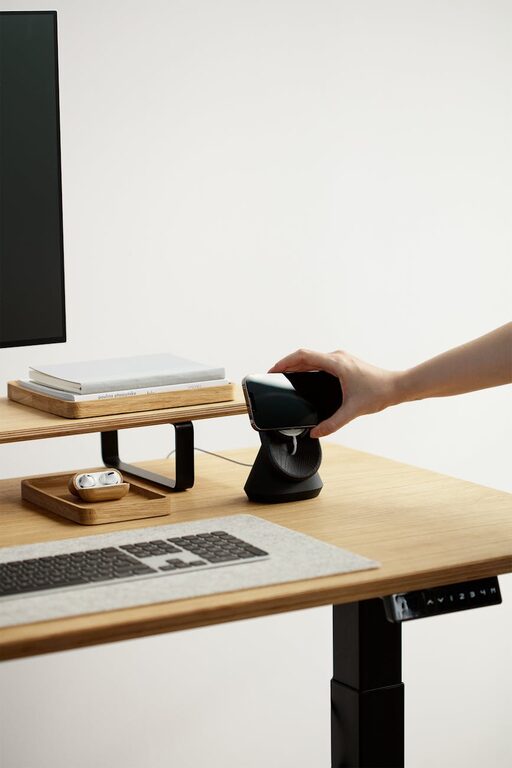
– Cable Management: Use clips or sleeves to keep cords neat and out of the way.
– Keep Essentials Accessible: Store frequently used items within arm’s reach.
Lighting: Balance Brightness and Warmth
Proper lighting reduces eye strain and adds to the cozy atmosphere.
– Layered Lighting: Combine overhead lights with desk lamps and ambient lighting.
– Adjustable Lamps: Use lamps with adjustable brightness or color temperature to suit tasks and time of day.
– Avoid Glare: Position screens and lights to prevent reflection.
Add Personal Touches to Inspire Creativity
Decorate your office with items that motivate and soothe you, without causing distractions.
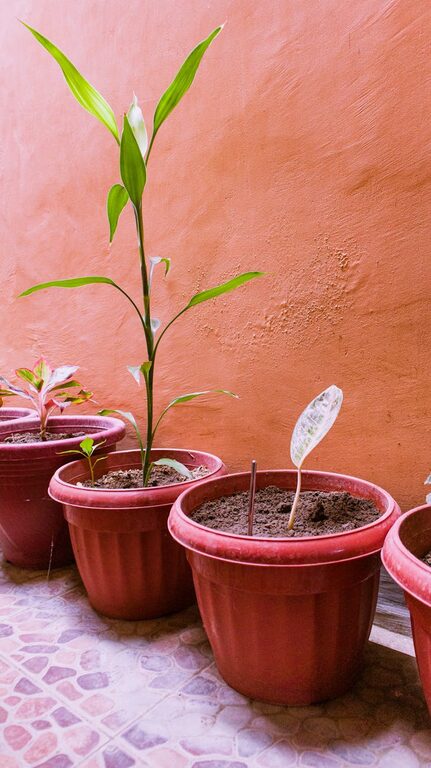
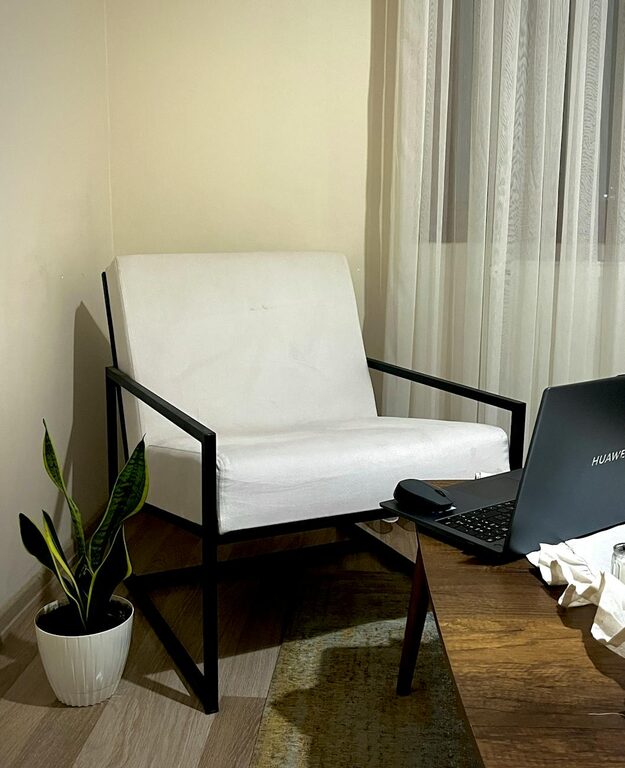
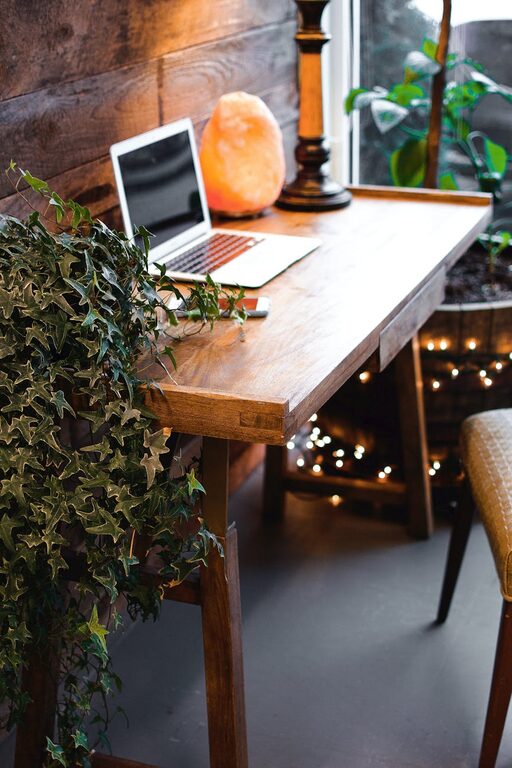
– Plants: Indoor plants improve air quality and add calm greenery.
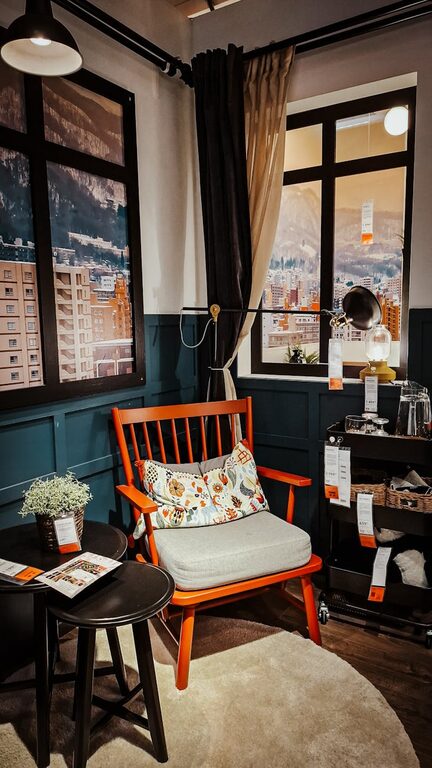
– Art and Photos: Choose inspiring or calming images that make you smile.
– Color Palette: Opt for colors that promote focus and relaxation, like soft blues or earth tones.
Incorporate Technology Wisely
Technology is essential but should aid productivity, not hinder it.
– Reliable Internet: Ensure you have a strong connection to avoid interruptions.
– Quality Equipment: Use keyboards, mice, and headphones that feel comfortable.
– Screen Break Reminders: Consider apps that prompt regular breaks to reduce eye strain.
Create Boundaries Between Work and Relaxation
Maintaining a clear division between your workspace and living area helps balance work and personal time.
– Separate Work Area: Use room dividers or distinct furniture placement to define your office.
– End-of-Day Routine: Clear your workspace and shut down devices to signal the end of the workday.
– Minimize Non-Work Items: Keep personal distractions out of your immediate workspace.
Maintain Cleanliness and Freshness
A clean environment promotes clarity and well-being.
– Daily Tidying: Take a few minutes at the end of the day to organize and clean.
– Air Quality: Open windows regularly or use air purifiers.
– Scent: Consider mild scents like lavender or eucalyptus for relaxation.
Plan for Flexibility
Your needs may change over time, so keep your setup adaptable.
– Modular Furniture: Use desks and storage that can be rearranged easily.
– Multi-Purpose Spaces: Incorporate furniture that doubles for other uses when not working.
– Adjustable Lighting and Seating: Adapt to changing daylight or personal comfort needs.
—
Creating a cozy and productive home office is about blending comfort with function. By paying attention to location, ergonomics, organization, lighting, and personal touches, you can build a space that motivates you and feels like your own. Small changes can make a big difference in how you feel while working and how productive you are. Start with a few tips and gradually adjust your space as you learn what works best for you. Happy working!